How to add your listing on Airbnb in 2026: the 3-stage listing flow, photos, pricing, fees and the settings to check before your first guest books.
Updated October 2026. Written and reviewed by the STR Market Superhost team.
Adding your place to Airbnb takes less time than most new hosts expect. Airbnb's listing flow walks you through three stages: describe your place, make the listing stand out with photos and a description, then set a price and publish. The part that takes real effort is preparing what you will enter, so the listing is accurate and competitive on day one.
This guide follows the current flow as Airbnb describes it in its Resource Center guide to getting started, with what to prepare for each stage and the settings worth checking before your first booking. Airbnb updates its app often, so button names may differ slightly from what you see.

Gather these before you start so the listing is accurate from day one.
| Item | Why you need it |
|---|---|
| Local permit or registration number (if required) | Some cities require it on the listing before you can accept bookings. See our rules and taxes by city guide. |
| Exact bed and bathroom count | Guests filter on these, and mismatches lead to complaints |
| 20 or more finished photos | Every room, plus entrance, outdoor space and standout amenities |
| A list of every amenity | Wi-Fi speed, parking, workspace, washer, kitchen equipment, safety devices |
| Check-in method and house rules | Self check-in details, quiet hours, pets, smoking, maximum guests |
| Your starting price | Research comparable listings nearby first |
| Payout details | Bank or other payout method available in your country |
If the home itself is not ready yet, start with our step-by-step guide on preparing your home for short-term rental and the startup checklist for permits and insurance.
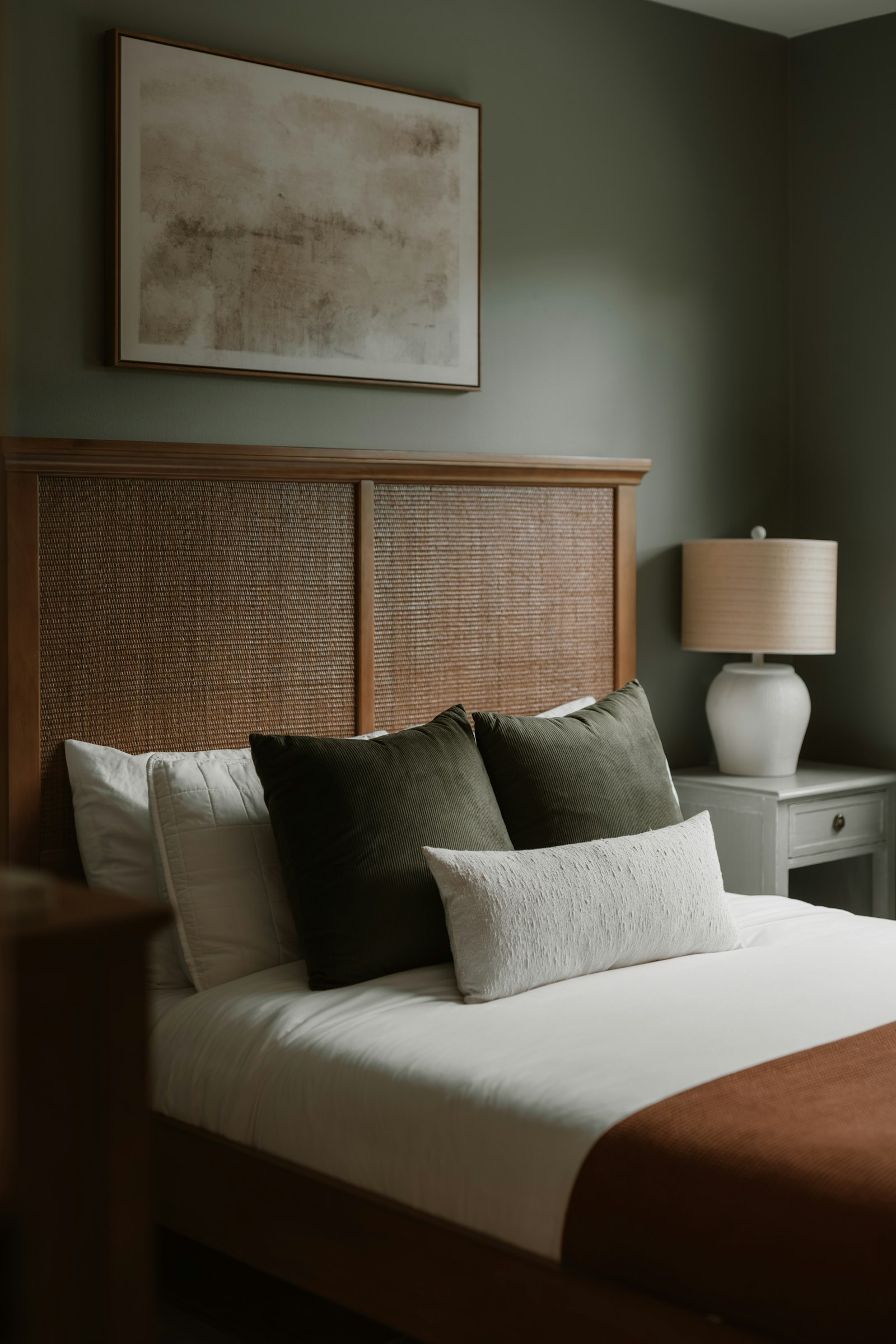
In the first stage, Airbnb asks for the basics: the property type, the location, the number of bedrooms and bathrooms, and the maximum number of guests.
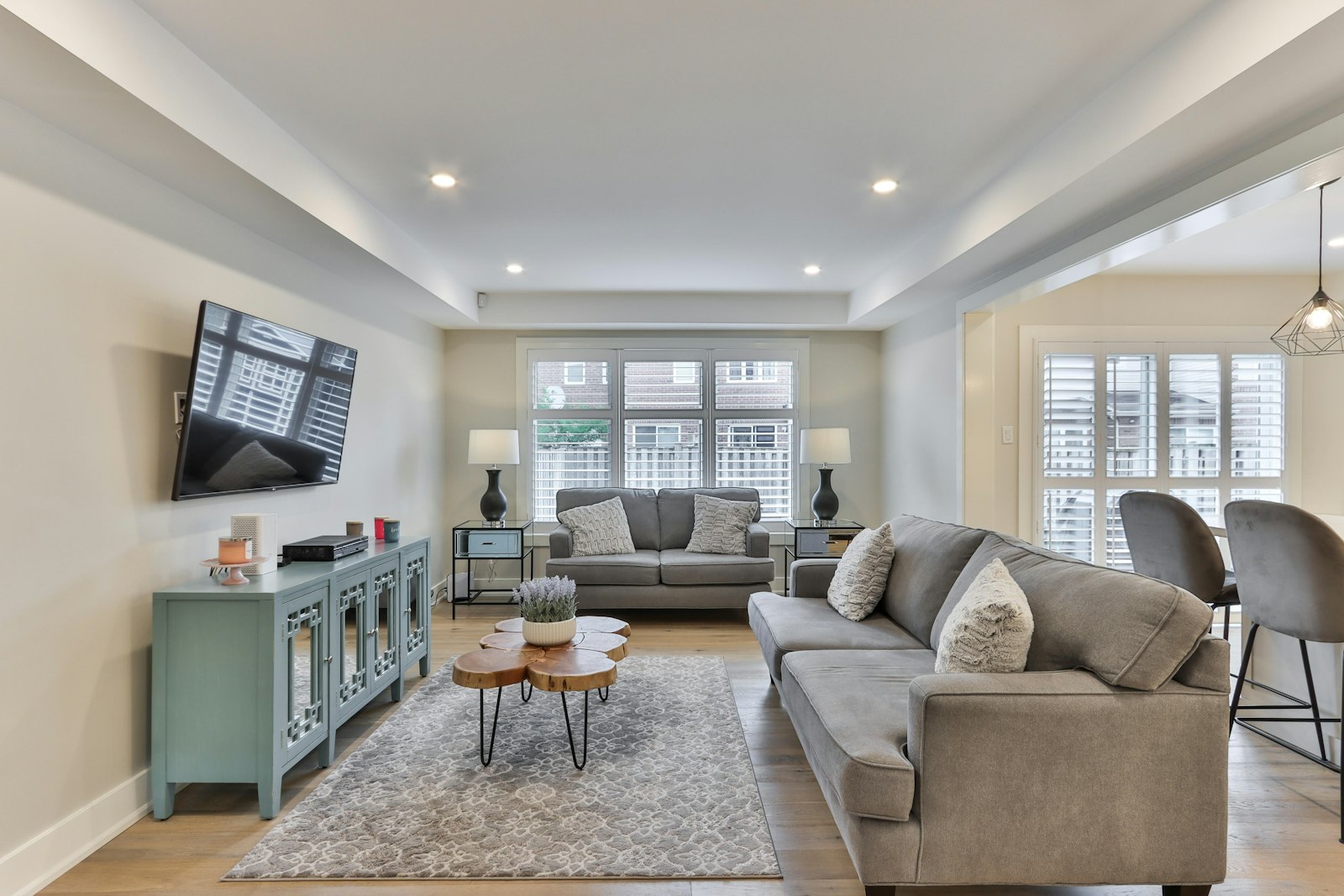
This is where bookings are won. Airbnb asks you to upload photos, write a title and description and select your amenities.
Airbnb's help article on photo tours says photos should be at least 1024 x 683 pixels, and every room or space needs at least one photo to appear in the photo tour. A few rules that work:
Lead the title with what makes the place different, not the obvious. "Walk to the beach, hot tub and fast Wi-Fi" beats "Nice apartment in Miami". In the description, answer the questions guests ask most: who the place suits, the sleeping setup, parking, check-in, and what is nearby. Keep paragraphs short so it reads well on a phone.
Tick every amenity you really have, because guests filter by them. If you are missing popular ones, our guide to amenities that increase bookings shows what to add, and our host kits and products directory make sourcing them quick.
In the final stage you set a weekday price and a weekend price, and choose whether to add a new listing promotion to attract your first guests and reviews. Airbnb shows a suggested price based on your location, amenities and similar listings nearby, and you can change your price at any time.
Review everything one last time, then publish. Airbnb collects payment before check-in and usually sends your payout about 24 hours after the guest's scheduled arrival, depending on your payout method.
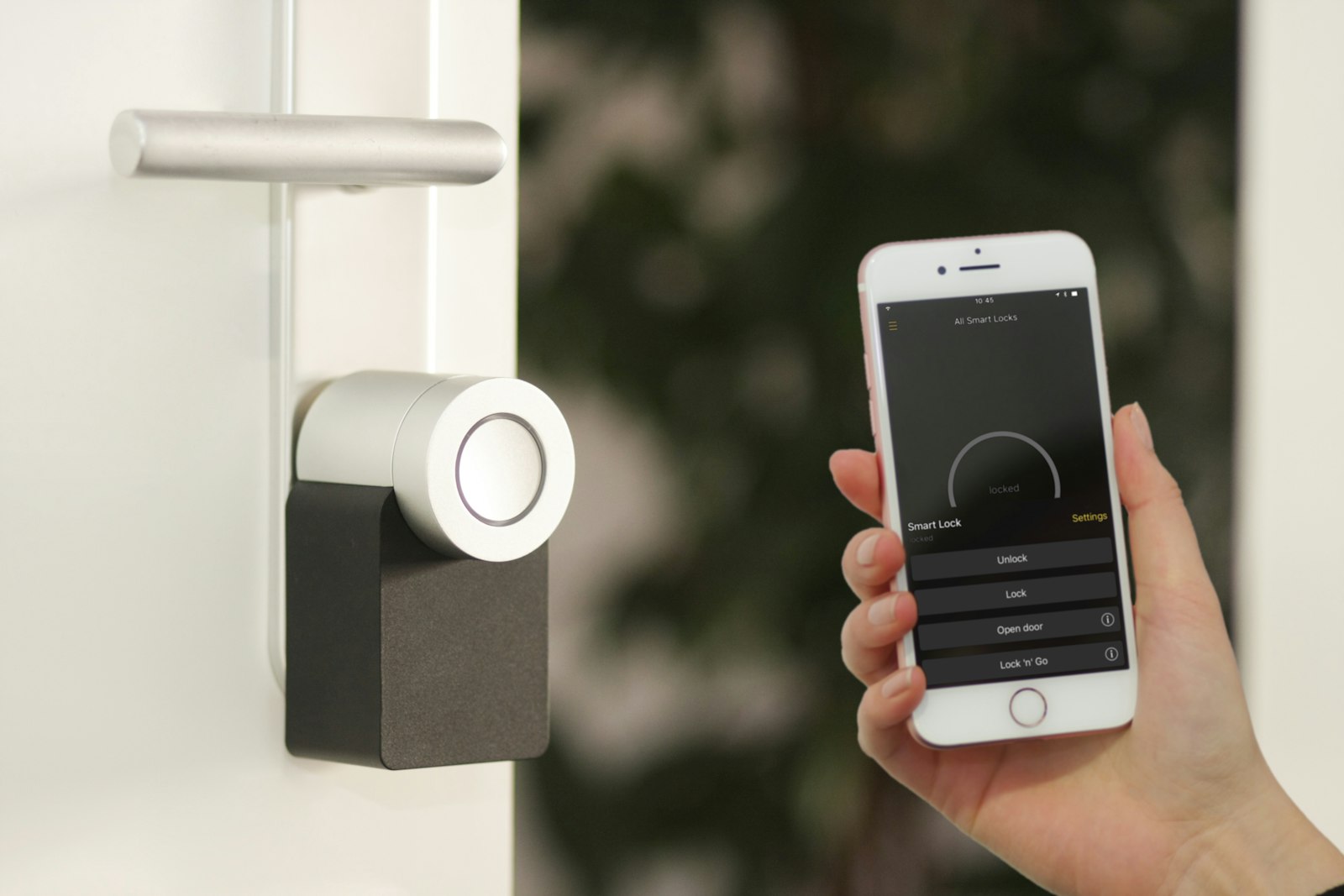
Once your listing is public, Airbnb lets you choose who to welcome for your first reservation: any Airbnb guest, or an experienced guest. According to Airbnb's help article on your first guest, experienced guests have verified ID, a payment method in their own name, at least three completed home stays on Airbnb and a positive track record. Choosing experienced guests can feel safer, while allowing any guest may lead to a faster first booking.
Add rules in the house rules section of the listing so guests see them before they book. Airbnb's updated community policy, which applies to reservations booked on or after November 20, 2026, says hosts generally should not require tasks a cleaner would typically do, such as stripping beds or taking trash off site. Our house rules template and checkout instructions template help you write rules that fit.
Write your booking confirmation, check-in instructions and checkout reminder now, so you are not typing them at midnight. Our welcome message examples are a good start, and guest communication tools can send them automatically.
Filling in the listing itself can be done in an hour or two if your photos, amenities list and house rules are ready. Preparing the home, photos and any local permits usually takes much longer than the listing.
Creating a listing is free. Airbnb charges a service fee when you get a booking. Most home hosts are moving to a host-only fee that is typically 15.5% of the booking subtotal; check Airbnb's service fee article for the rate that applies to you.
Airbnb's photo tour guidance focuses on coverage rather than a set number: every room or space needs at least one photo to appear in the photo tour, and photos should be at least 1024 x 683 pixels. Most strong listings show every room plus the entrance, outdoor space and key amenities.
Yes. After your listing is public, you can choose to welcome only experienced guests for your first reservation. After that guest checks out, your listing becomes available to any Airbnb guest.
It depends on where the property is. Many cities require a registration or permit number before you can host, and some ban short stays in certain buildings. Check with your city or county, and see our rules and taxes by city guide.
Once you are live, find tools to automate pricing, messages and cleaning in our software directory.
