Short-term rental not getting bookings? Find where guests drop off, then fix visibility, pricing, photos and reviews with this 14-day recovery plan.
Updated October 2026. Written and reviewed by the STR Market Superhost team.
An empty calendar has a cause, and it is almost always one of three things: guests are not seeing your listing, they see it but do not click, or they click and do not book. Each problem has different fixes, and guessing wastes weeks.
This guide is a diagnostic. Work out where guests drop off, then apply the fixes for that stage, starting with the ones that usually move bookings fastest.
Open your Airbnb performance insights (or your PMS reporting) and look at the last 30 to 60 days. You need three numbers: how often your listing appeared in search, how many guests viewed the listing page, and how many booked.
| What you see | Where the problem is | Start with |
|---|---|---|
| Few search appearances | Visibility: Airbnb is not showing you | Calendar, price, listing settings |
| Many appearances, few page views | Click-through: guests skip you in results | Cover photo, title, price shown in results |
| Many page views, few bookings | Conversion: guests leave your listing page | Photos, description, reviews, total price, house rules |
| Bookings, but lower than last year | Market or seasonality | Compare with your market; see our occupancy guide |
Then compare your occupancy with similar listings nearby. If everyone is slow, the fix is pricing and patience. If only you are slow, the problem is your listing.
Airbnb explains in its article on how search results work that availability, price, quality signals and popularity all affect where you appear. Check these first.
If you have a workspace, washer, parking, crib, EV charger or pool and have not selected it, you do not appear when guests filter for it. Review every amenity category.
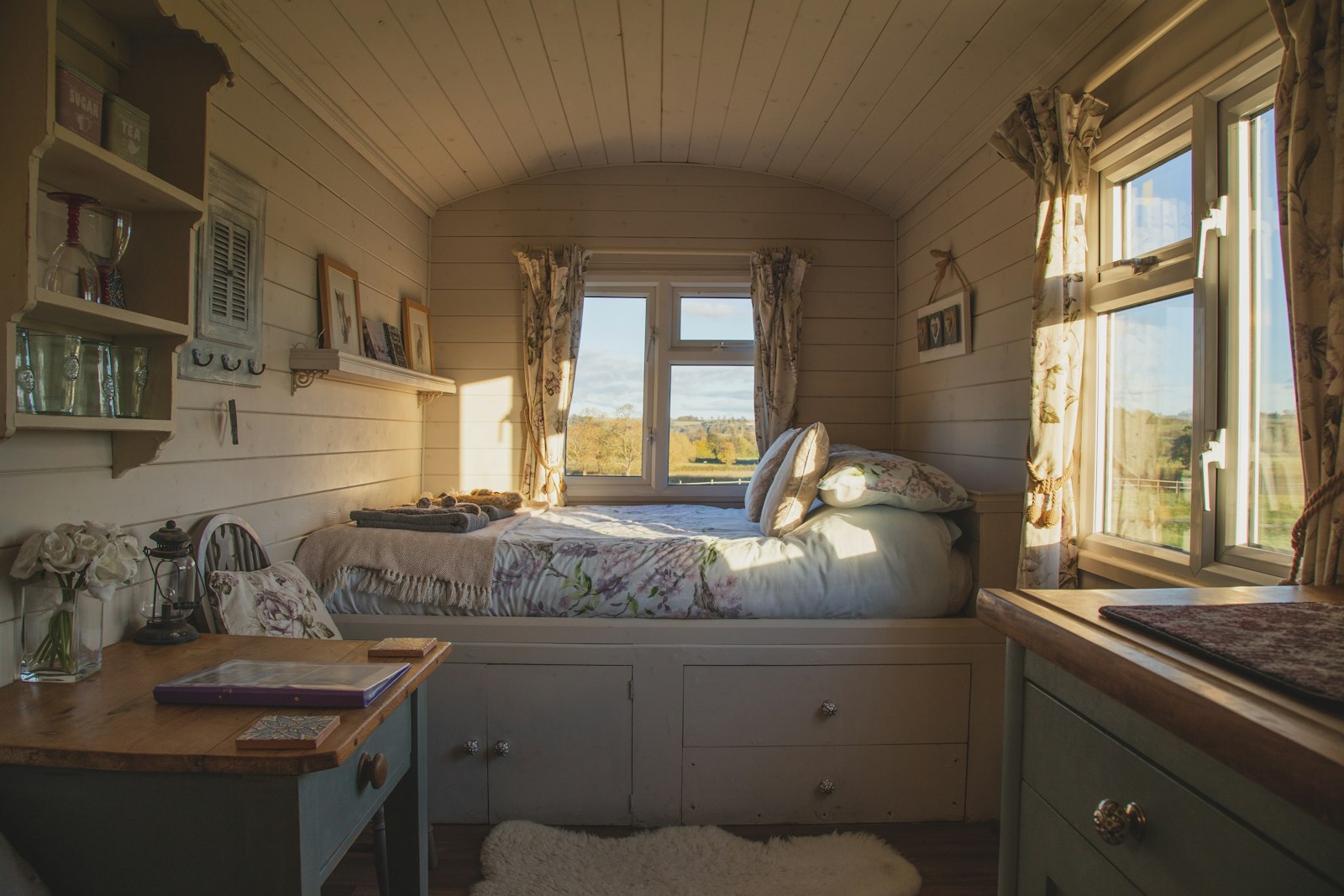
Guests decide in a second. The cover photo should show what makes your place different: the view, the pool, the hot tub, a standout living room. Shoot it in daylight, horizontal, with lights on. If your photos are from a phone a few years ago, a professional shoot is often the best money you can spend.
Swap "Cozy home near downtown" for the specific reason to book: "Walk to downtown, free parking, fenced yard". Our SEO tips for short-term rentals have more title examples.
Search results show the price for the guest's dates. If yours is noticeably higher than similar homes nearby, you lose the click before guests see why. A high cleaning fee on short stays makes this worse.
New listings face a trust gap. A short introductory discount, or a few weeks of slightly lower prices, helps you collect the first five to ten reviews. After that, raise prices gradually. If you already have reviews but some are negative, respond calmly and fix the issue; see our guide to handling negative reviews.
A long list of rules written in capital letters, strict cancellation on a new listing, or a pet fee higher than the nightly rate can all push guests away. Keep rules short and reasonable. Compare your cancellation policy with the listings that are booking.
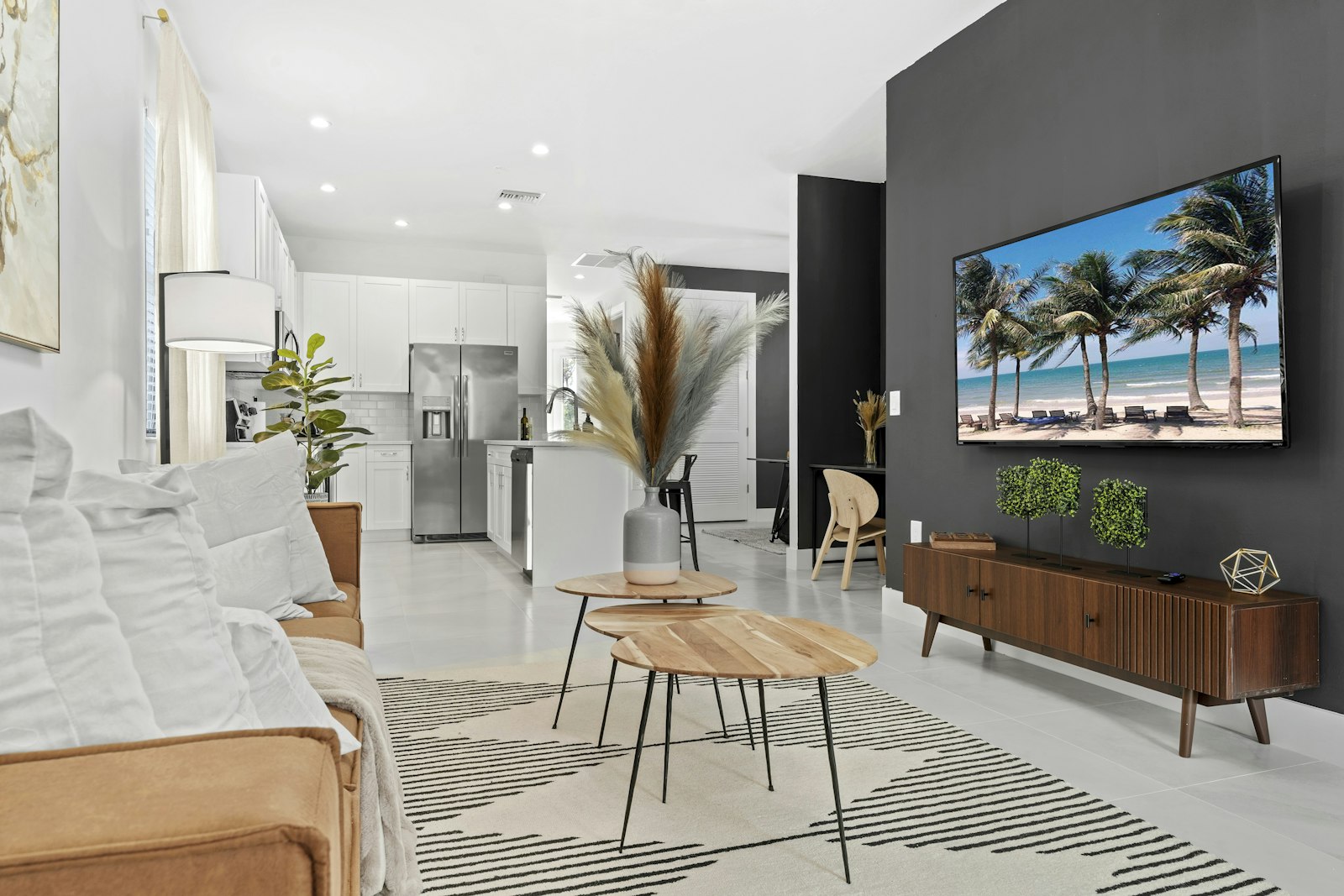
Pricing affects all three stages, which is why it is the first thing to check. Signs your pricing is off:
A dynamic pricing tool adjusts rates daily from local demand data, sets weekday and last-minute discounts, and fills gap nights. PriceLabs (from $19.99/listing/month), Wheelhouse (1% of revenue or $19.99/listing/month) and Beyond (free; paid from 1% of bookings) are popular options.
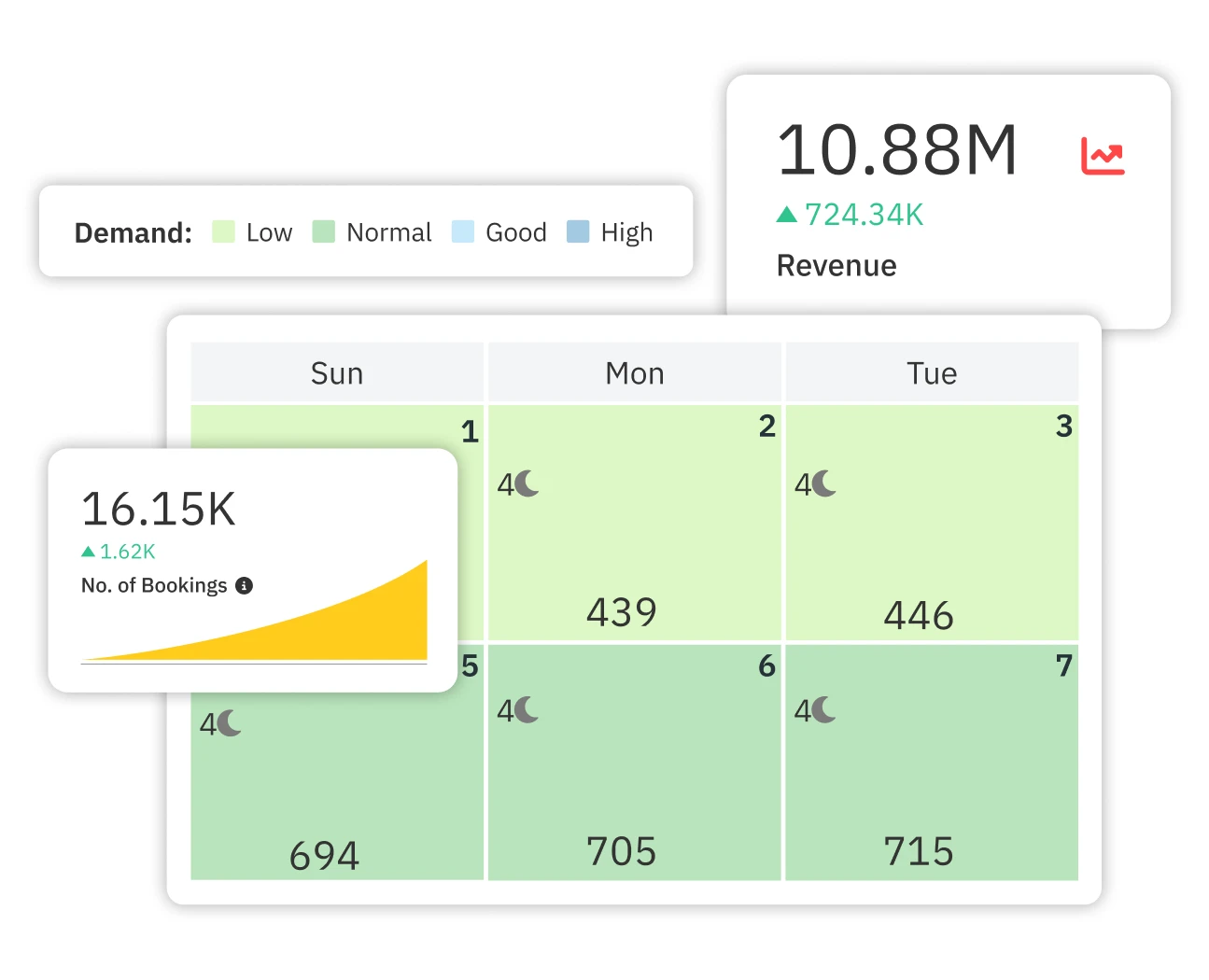
Compare them in our dynamic pricing tools guide. Also check what you actually take home after platform fees with our Airbnb fee calculator, so you do not discount below your costs.
If your listing is strong and fairly priced but still slow, you may simply need more demand. Adding Vrbo or Booking.com reaches guests who rarely use Airbnb. Start with our 2026 rental sites ranking, then follow our multi-site listing guide so you avoid double bookings. Longer term, past guests booking direct are the cheapest bookings you can get; see our direct bookings guide.
| Days | Action |
|---|---|
| 1 to 2 | Pull your views, conversion and occupancy. Compare price and calendar settings with 5 similar listings that are booking. |
| 3 to 4 | Open your calendar, cut minimum stay, turn on Instant Book, tick every true amenity. |
| 5 to 7 | Adjust pricing or set up a dynamic pricing tool. Lower the cleaning fee if it inflates short stays. |
| 8 to 10 | Replace the cover photo and title. Reorder photos. Rewrite the first lines of the description. |
| 11 to 14 | Watch views and inquiries daily. Change nothing else until you see the effect. |
Sometimes the listing is fine and the issue is bigger: the home does not fit what guests in your area want, the market has too much new supply, or local rules have changed. Walk through the home as a guest, or ask a friend to stay a night and report every irritation. Check our rules and taxes by city guide and your local regulations. If short stays will not work, a mid-term strategy (30+ nights) may suit the property better.
Views without bookings usually point to price, reviews or missing information. Compare your total price with similar listings for the same dates, make sure every room is photographed, and answer common questions in the description.
It varies by market and season. If you have no bookings after two to three weeks with an open calendar, review your price and settings using the steps above.
Often, but do it strategically. Lower weekdays and far-out dates first, use a short introductory discount on new listings, and avoid cutting below what you need after fees and cleaning.
Airbnb says it may help your ranking, and it removes a step for guests. Pair it with screening requirements if you are concerned about who books.
Compare your occupancy with similar listings using a market data tool. If they are booking and you are not, it is your listing. If everyone is down, focus on pricing and adding channels.
Find pricing and listing tools in our dynamic pricing rankings or the full software directory.
