
How to choose the best smart lock for your Airbnb: what features matter for hosts, our top picks, and when a simple lockbox is all you need.
Nothing starts a stay worse than a guest standing at the door at midnight, looking for a key. Self check-in fixes that. It is also one of the amenities guests filter for, and it frees you from meeting every arrival in person.
There are two main ways to offer it: a smart lock or a lockbox. Here is how to choose.
A keypad deadbolt with WiFi built in, so there is no extra hub to install. You can manage codes from the Schlage Home app, see who came in and when, and keep a backup key on hand. See the Schlage Encode.
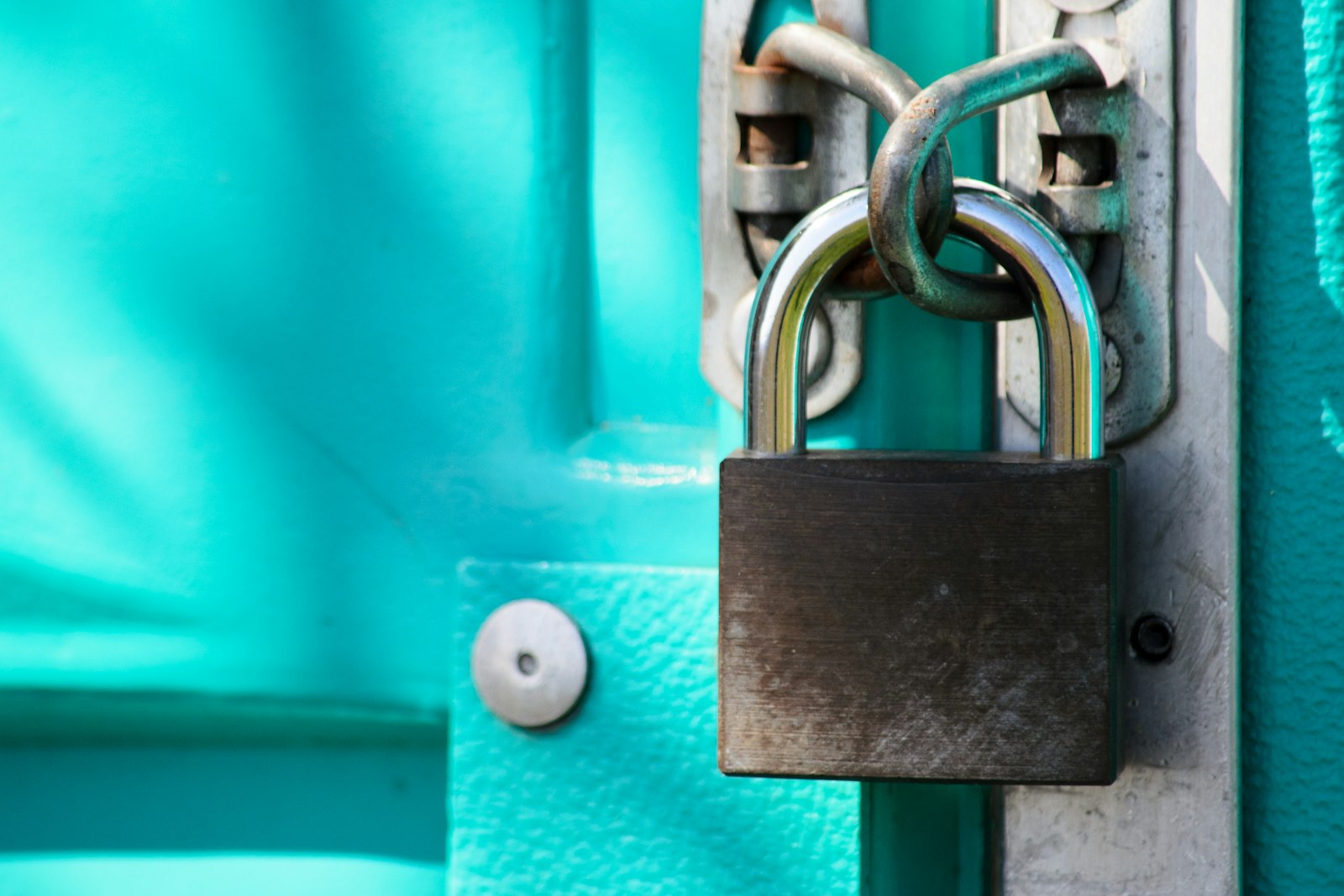
If you have one property, live nearby or cannot change the lock (for example, in some condos), a lockbox is simple and reliable. There is no WiFi or app to troubleshoot. Just change the code between guests. The Master Lock 5400D is a popular choice, and it also makes a great backup even if you install a smart lock.
Once guests are inside, the next question is always the WiFi. WelcomeScreen greets guests by name on the TV and shows the WiFi, house rules and check-out steps, including a reminder to lock the door on the way out.
Yes. Unique codes per stay are safer than handing out copies of the same key, since old codes stop working after check-out.
Most locks warn you well in advance through the app. Keep a backup key in a lockbox or with a local contact just in case.
Yes. Send the code and simple instructions in your check-in message, and mention self check-in in your listing.
Part of the same family as WelcomeScreen and Valdra