
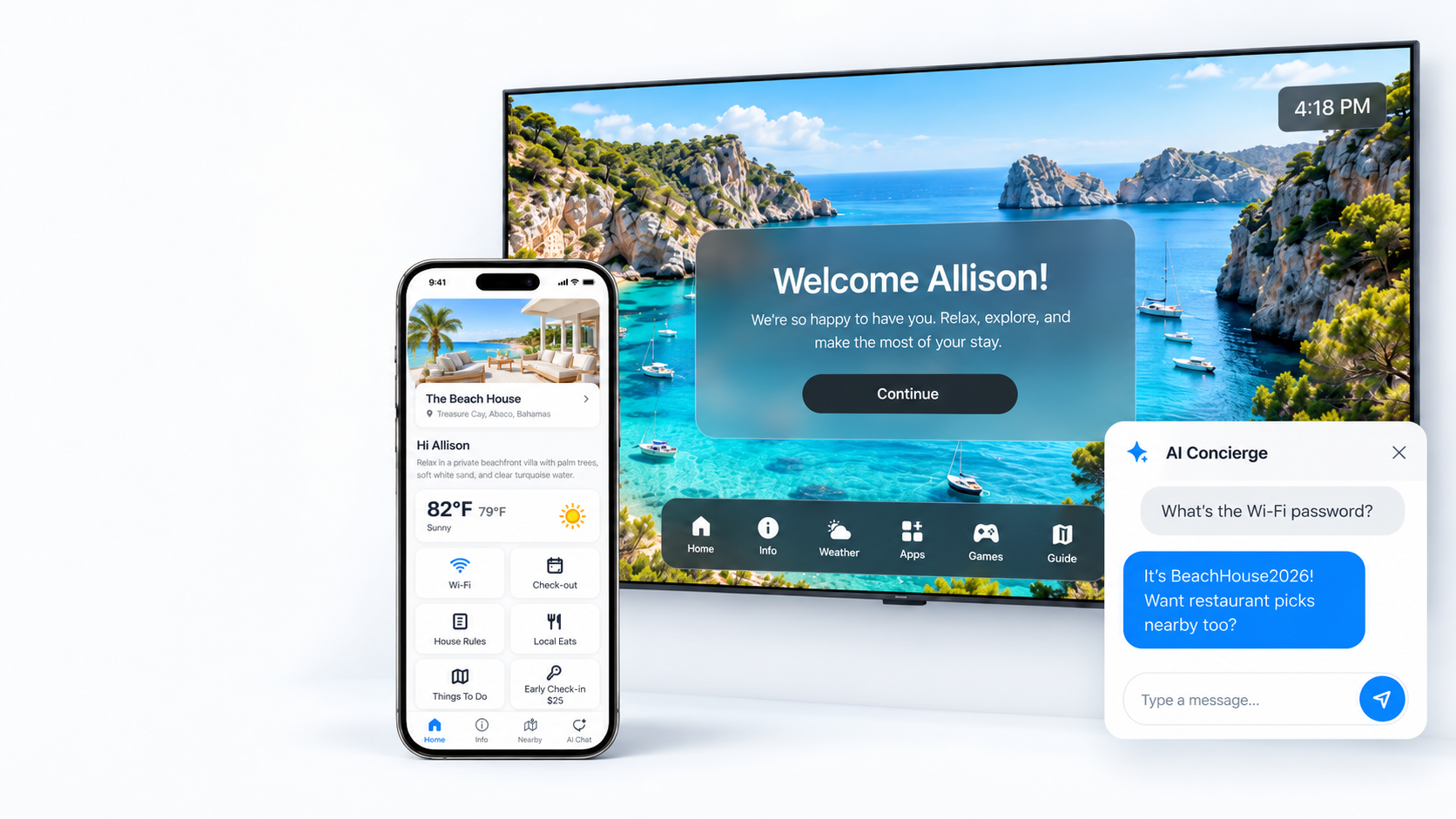
What to put in your Airbnb digital guidebook, why most guests never open it, and how hosts are getting WiFi, check-out steps and local tips in front of guests on the TV instead.
Every host has written one. A guidebook full of WiFi details, parking notes, trash day and a list of favorite taco spots. And every host has also gotten the message at 10pm asking for the WiFi password that is sitting on page one.
The problem is rarely what is in the guidebook. It is where the guidebook lives. This guide covers what to include in an Airbnb digital guidebook, and how to put the information where guests will actually see it.
A digital guidebook is an online version of the classic house binder. Guests open it on their phone through a link or QR code, and it holds everything they need for the stay: arrival steps, house rules, how things work and local recommendations. Airbnb has a basic guidebook feature built in, and many hosts use dedicated tools that add branding, maps and automation.
Host forums are full of the same complaint: guests do not open the manual. There are a few reasons. The link arrives in a long pre-arrival message. Guests are tired from travel when they walk in. And a PDF on a phone is simply not something anyone wants to scroll through on vacation.
The answer is not writing a longer guidebook. It is putting the five things guests need most in the one place they look first.
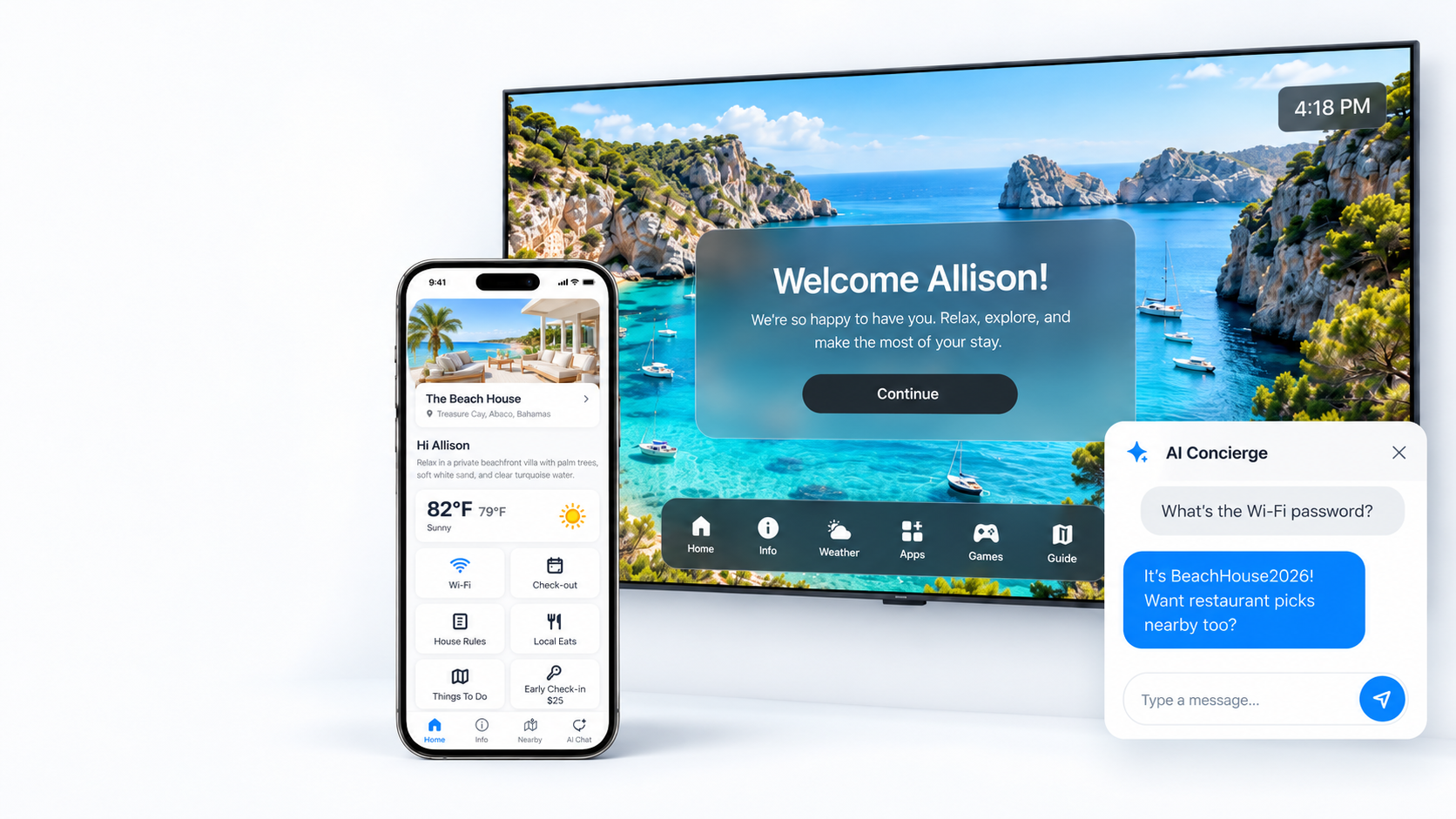
The TV is the biggest screen in the rental and almost every guest turns it on in the first hour. Hosts are now using it as the front page of their guidebook. WelcomeScreen turns the TV into a personal welcome that greets guests by name and shows the WiFi, house rules, check-out steps and local recommendations the moment they walk in. It also includes a mobile guidebook with an AI trip planner, so the full details are one QR code scan away.
Because it connects with PMS tools like Hostaway, Guesty, Lodgify, OwnerRez and Hospitable, guest names and dates fill in automatically for every booking. You can see how the guidebook side is set up in the WelcomeScreen Guidebook Tutorial, or watch the full feature walkthrough.
Yes. Airbnb lets hosts create a basic guidebook of local places, and add house manual and check-in details in the listing. Many hosts pair it with a dedicated digital guidebook for branding, automation and on-screen display.
A short printed card with WiFi and emergency contacts is still useful. The full binder rarely gets read, so keep the details digital where you can update them in seconds.
Put the most important information where guests already look. A TV welcome screen shows it the moment they arrive, with a QR code to the full guidebook on their phone. Try WelcomeScreen free.
Part of the same family as WelcomeScreen and Valdra