
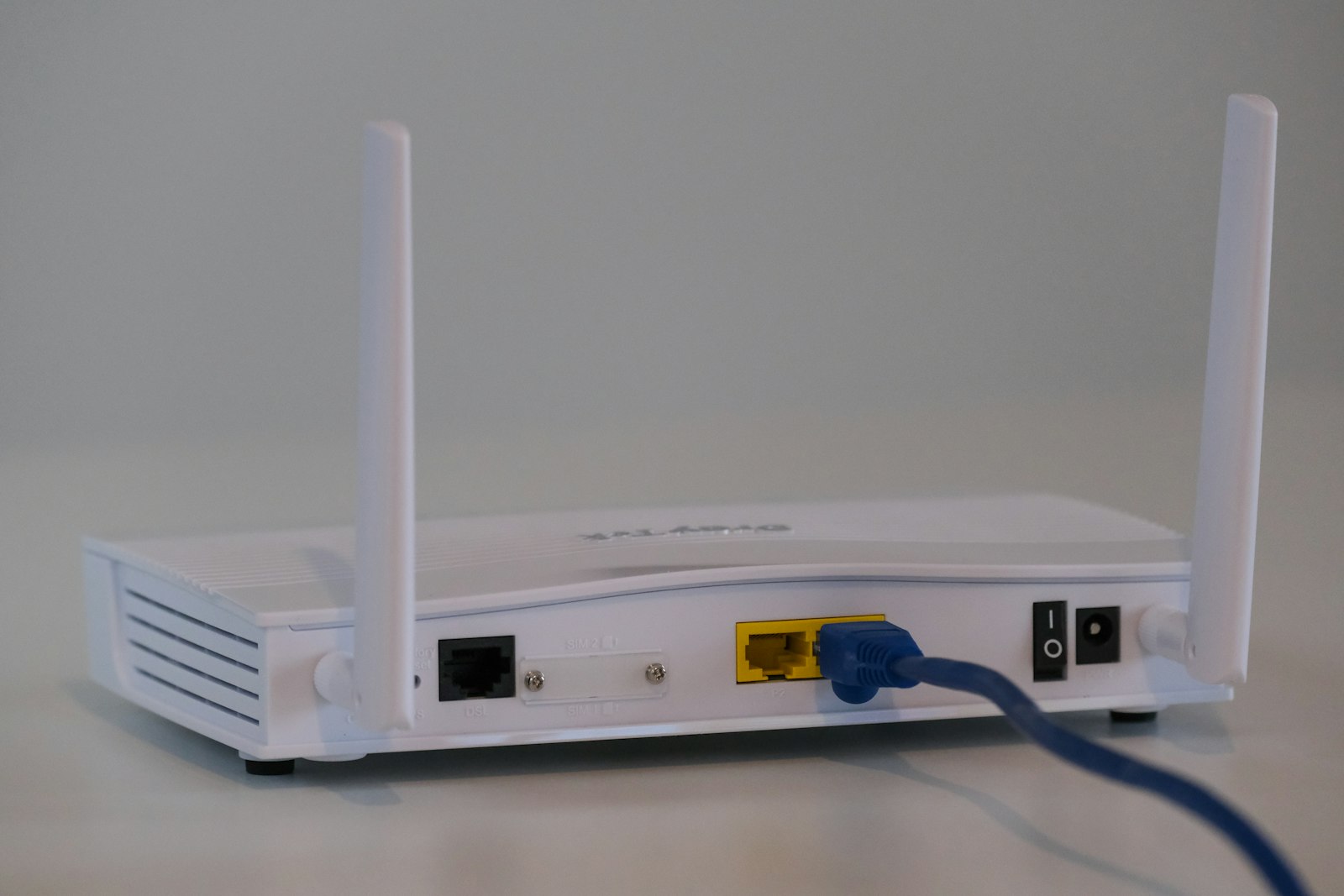
The easiest ways to share WiFi with Airbnb guests, whether you need a separate guest network, and how to stop the "what's the WiFi password?" message for good.
Ask any host for the most common guest message and the answer is the same: "What's the WiFi password?" It usually arrives right after check-in, sometimes at midnight, and often when the password is already written somewhere in the home.
Here are the main ways to share WiFi with Airbnb guests, what works best, and how to stop the question for good.
Airbnb lets you add WiFi details in the listing so guests can see them after booking. This is a good baseline, but guests have to dig into the app to find it, and many do not.
A framed card near the router or on the fridge is simple and cheap. The downside is that it is easy to miss, and every time you change the password you need to print a new one.
Phones can join a network by scanning a QR code, no typing needed. Guests love it, especially with long passwords. You can generate one for free and print it, but it has the same problem as the card: it needs to be seen.
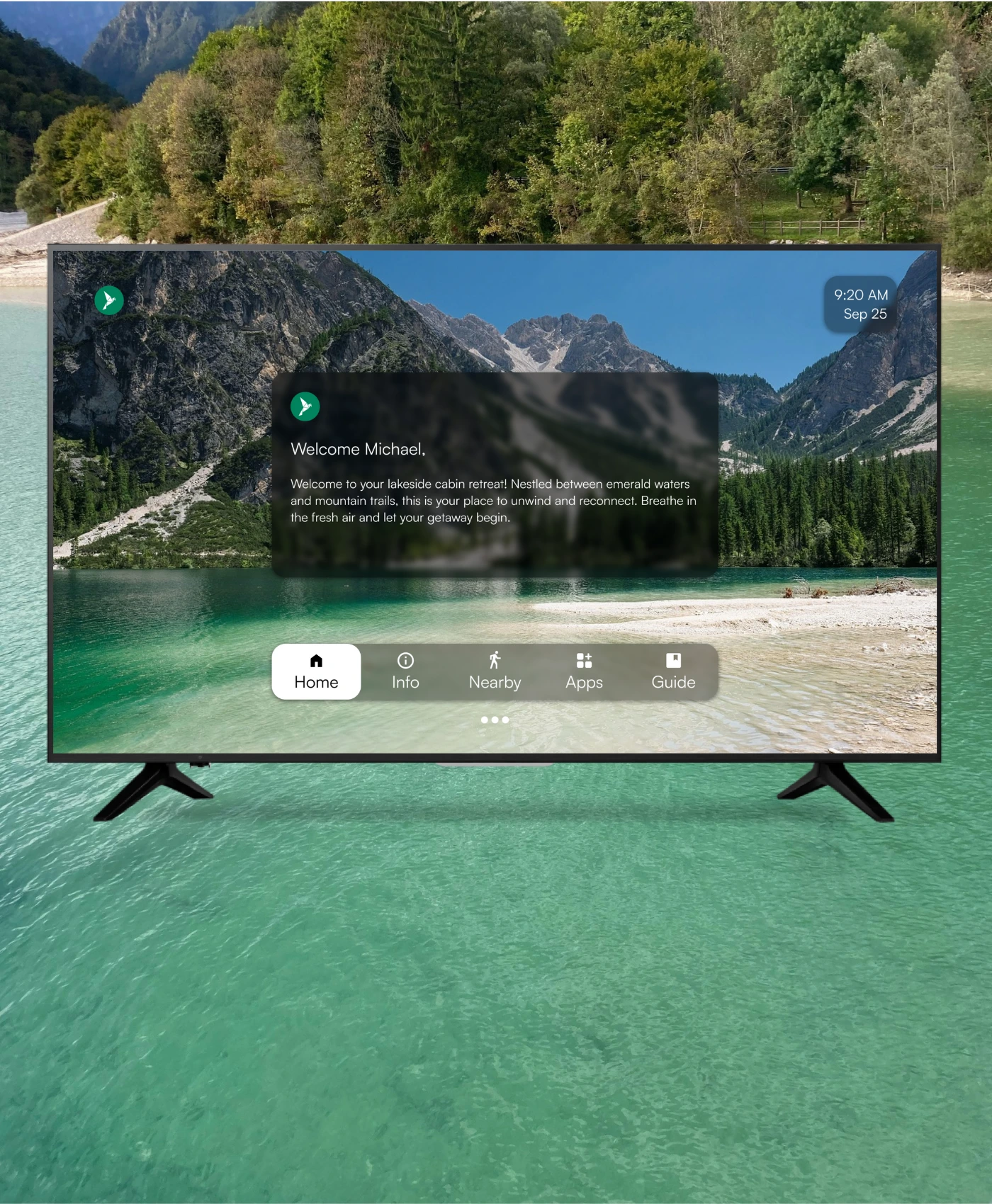
This is the method more hosts are switching to. The TV is the first screen guests look at, so WiFi details shown there are hard to miss. WelcomeScreen puts your network name, password and a scannable QR code on the TV home screen, next to a personal welcome with the guest's name. When you change the password, you update it once in the dashboard and every TV updates.
Watch how it looks in the WelcomeScreen feature walkthrough.
Yes, if your router supports it. A guest network keeps your smart home devices, cameras and personal computers on a separate network from guests. It also means you can change the guest password between stays without touching your own devices.
It is safe if guests are on a separate guest network. That keeps them away from your personal devices, and you can rotate the password whenever you like.
Free QR code generators let you enter your network name and password and download a code. Tools like WelcomeScreen create the QR code for you and show it on the TV automatically.
Wherever guests look first. For most rentals that is the TV. See how WelcomeScreen shows WiFi on the TV.
Part of the same family as WelcomeScreen and Valdra